
Camel trench coat 巴黎街拍 quiet luxury prompt
Camel trench coat 由衣櫃隨手 snap → 巴黎石板街 quiet luxury editorial。Phoebe Philo era Céline aesthetic prompt。
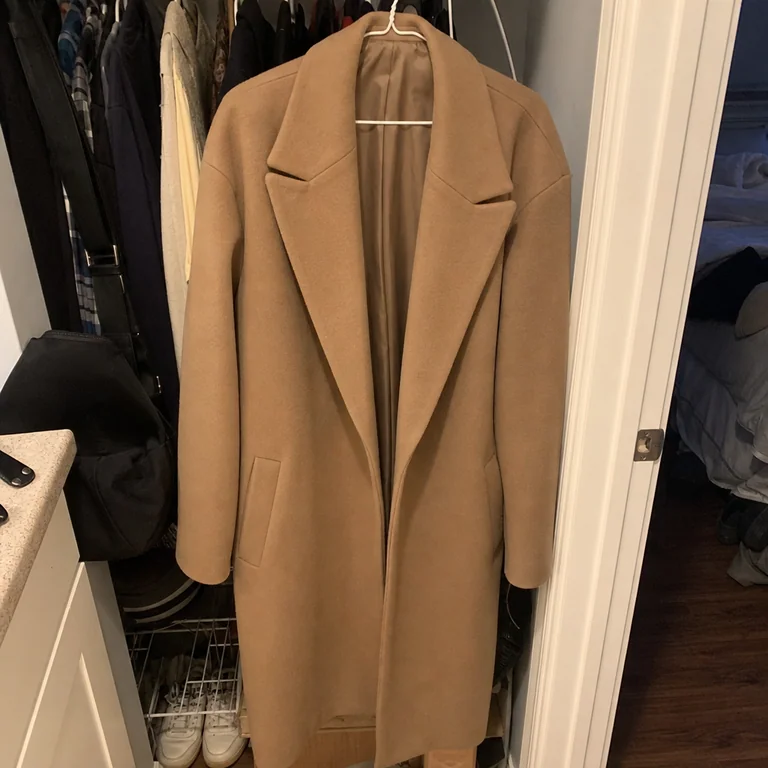 iPhone 影
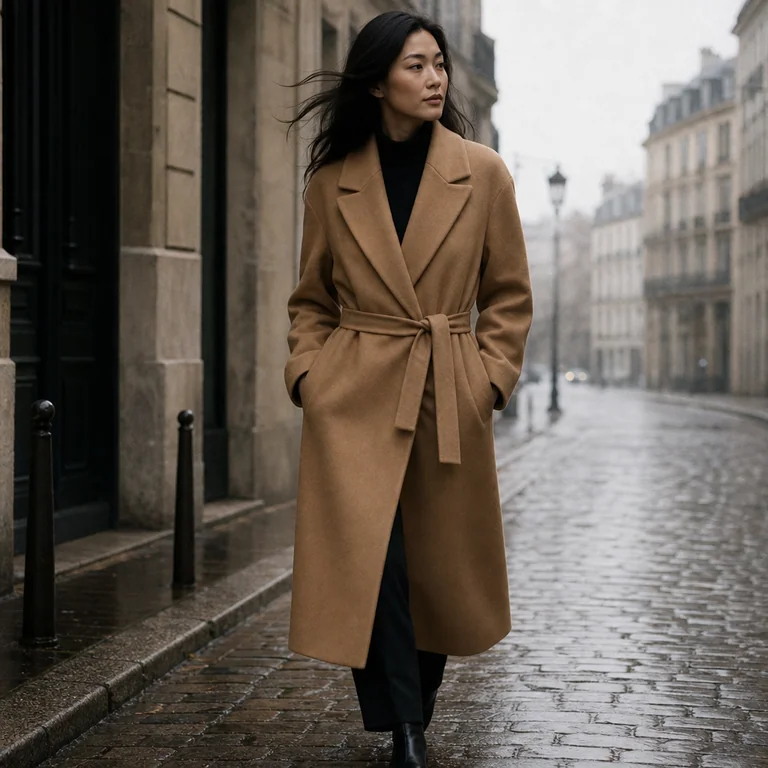 AI 生成
AI 生成📋 Prompt(複製即用)
撳「Copy」直接 paste 落 ChatGPT image generator。建議用英文 prompt(GPT Image 2 訓練數據主要係英文,跟得最準),中文版淨係俾你 reference。
Editorial product photography. Transform the input image into a polished marketing shot.

CRITICAL: Preserve the EXACT product from the input image — same colour, shape, fabric, design details.

CRITICAL: Preserve the EXACT camel trench coat (same double-breasted buttons, belt, lapels).

Model: a Pan-Asian fashion model, early 30s
Setting: misty European cobblestone street
Lighting: soft overcast natural daylight
Aesthetic: Hermès / The Row / Phoebe Philo Céline refinement
Composition: vertical 4:5 portrait

Photo-realism: ultra-sharp wool texture, subtle film grain. NO text, NO new logos.
點解呢個 prompt work
好多時我哋影完 product 覺得件衫質地好,但背景太求其,點樣可以將件 Camel trench coat 瞬間變成巴黎街頭嘅高級感?呢個 trench coat AI prompt Paris 核心邏輯在於「保持產品原貌」嘅前提下,注入咗 Phoebe Philo 時代嘅極簡美學。ChatGPT 之所以跟到,係因為我哋喺 prompt 入面加入咗「Editorial product photography」呢個指令,強制 AI 進入商業攝影模式,而唔係隨便加啲濾鏡。透過明確嘅光影描述同質感修復,AI 能夠精準鎖定你嗰件衫嘅剪裁同色調,唔會因為轉場景而令件衫變咗樣。
關鍵字拆解
- Camel trench coat — 呢個係主角,寫得好要強調 fabric 同 fit,如果只係寫 "coat",AI 隨時會生成一件奇怪嘅 oversized 褸款,失咗原本 design 嘅細節。
- Quiet luxury — 呢個係靈魂關鍵字。唔好寫 "luxury" 或者 "expensive",AI 會生成一大堆浮誇嘅金飾同名牌 logo。寫 "quiet luxury" 先會帶出嗰種低調、高級、唔使刻意表現嘅氣質。
- Overcast — 喺巴黎街拍,最忌陽光太猛。Overcast 係攝影界嘅「黃金光線」,可以令件衫嘅陰影變柔和,令整體色調更統一,係營造 editorial 感嘅秘密武器。
點樣 customise (3 個 variation)
- Variation 1:將 "Paris street" 改做 "Minimalist studio with natural light"。出嚟效果會由街拍風變成高級雜誌內頁,適合想賣質地嘅單品圖。
- Variation 2:加入 "Motion blur in background"。咁樣做可以令畫面更有動感,好似有人行過咁,令張 trench coat AI prompt Paris 嘅效果睇落更真實,唔似靜止嘅死圖。
- Variation 3:加入 "Close-up fabric texture detail"。如果想強調件衫嘅鈕扣、縫線或者布料紋理,呢個字眼可以逼 AI 聚焦喺細節,唔會淨係得個樣。
新手最易犯嘅錯
好多新手會喺 prompt 度寫得太長,例如加咗一大堆「高級、奢華、好靚」呢啲形容詞。AI 其實唔識咩叫「好靚」,佢只識攝影專業術語。如果你想用 trench coat AI prompt Paris 生成完美嘅圖,記住唔好叫佢「執靚啲」,而係要俾具體嘅光影指令(例如:soft shadows, depth of field)。另外,千祈唔好忽略「Preserve the exact product」呢個要求,否則你件衫嘅領位同長度好容易會喺生成過程中走樣。
Pro tip
如果你發現 AI 生成出嚟嘅背景太過搶眼,蓋過咗件衫,可以嘗試喺 prompt 最後加一句「shallow depth of field, bokeh background」。呢個指令可以令背景變模糊,確保客人的目光永遠只會停留喺你件 Camel trench coat 上面,呢招係所有 IG Shop 賣衫嘅不傳之秘,記得活用。
同類 prompt
 服裝 / 配飾
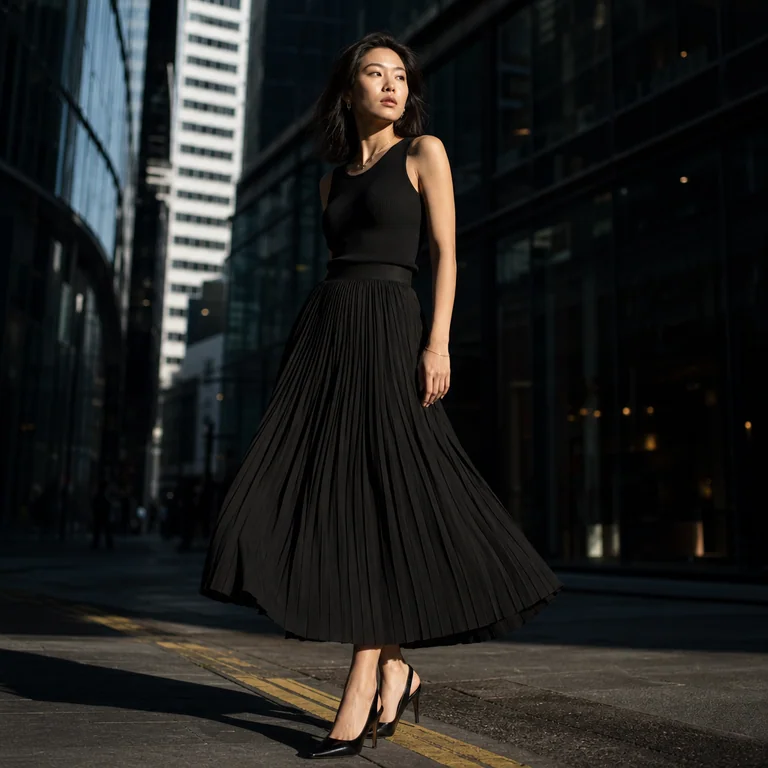
黑色百褶裙 SoHo 街拍 editorial prompt
用 ChatGPT 將 iPhone 影嘅黑色百褶裙照變身 SoHo 街拍 editorial — 完整 EN/中文 prompt + 示範。
 服裝 / 配飾
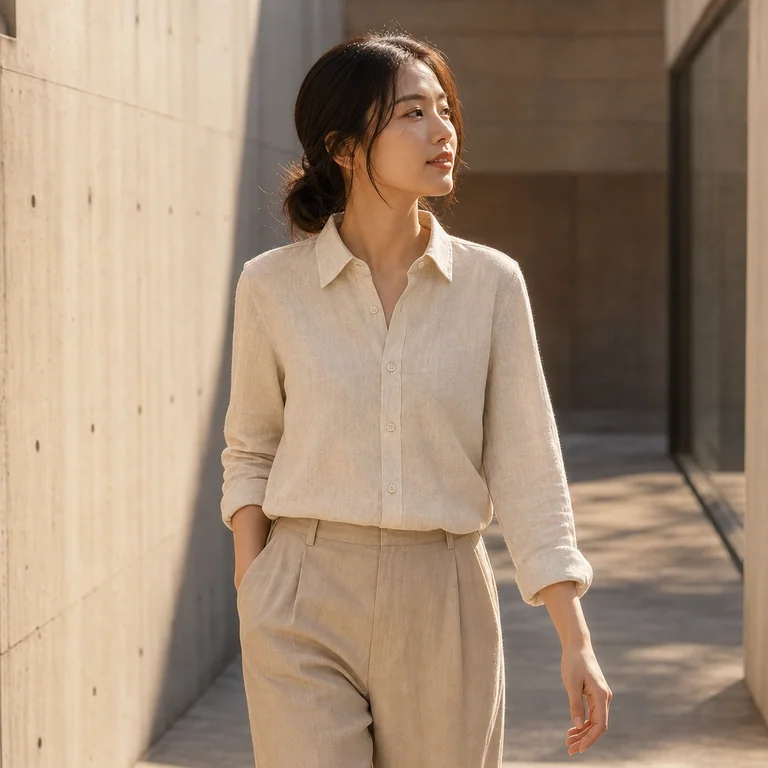
Linen 恤衫 sunlit gallery golden hour prompt
iPhone 影嘅米色 linen 恤衫 → AI 變身 Asian model 喺 sunlit 概念藝廊。Golden hour rim light 完整 prompt。
 服裝 / 配飾
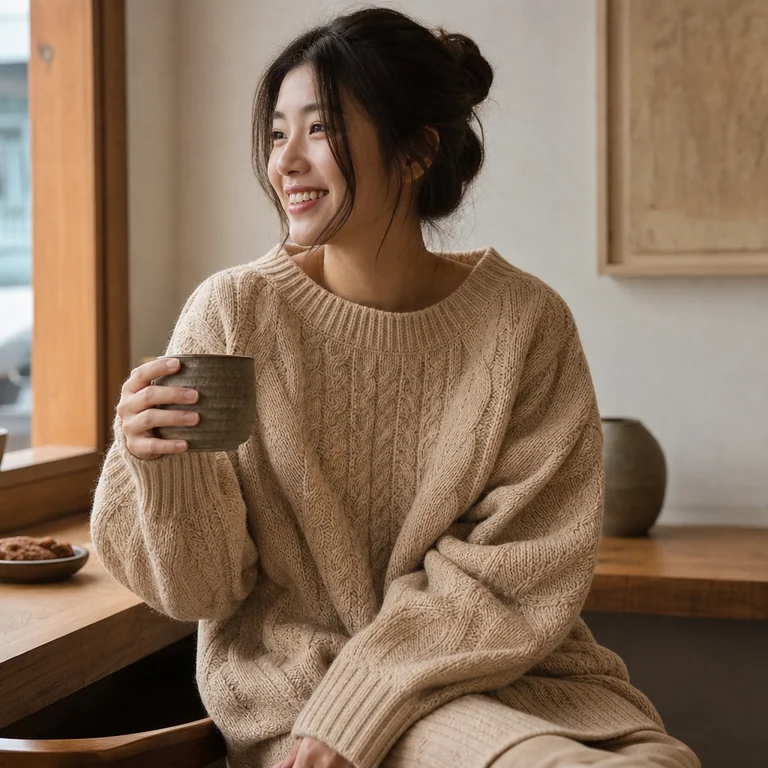
針織衫 café 自然日光 lifestyle prompt
Cable-knit sweater 由地板雜物 → 變身 cozy café autumn afternoon lifestyle shot。自然窗光 prompt 完整版。