
Linen 恤衫 sunlit gallery golden hour prompt
iPhone 影嘅米色 linen 恤衫 → AI 變身 Asian model 喺 sunlit 概念藝廊。Golden hour rim light 完整 prompt。
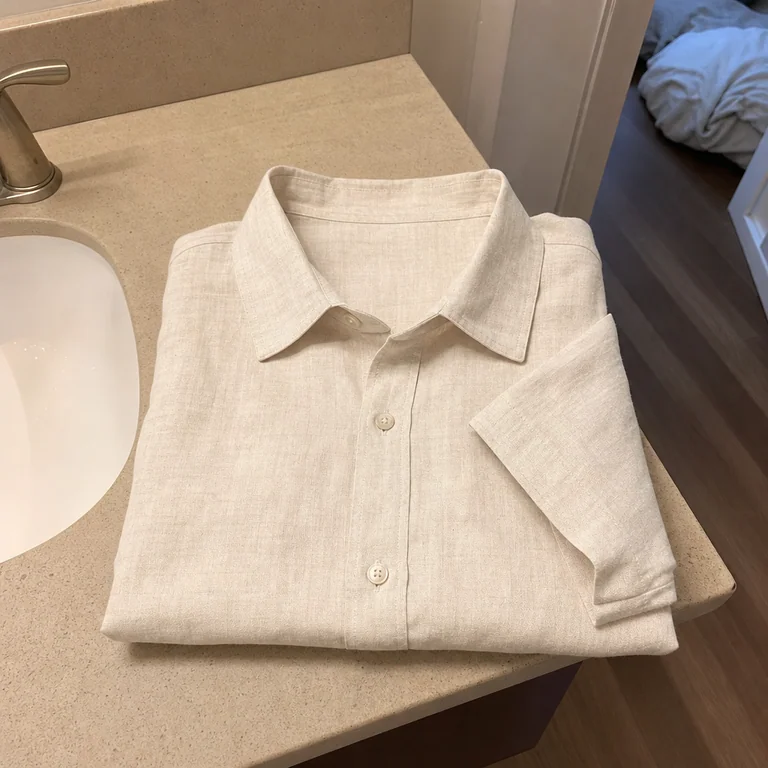 iPhone 影
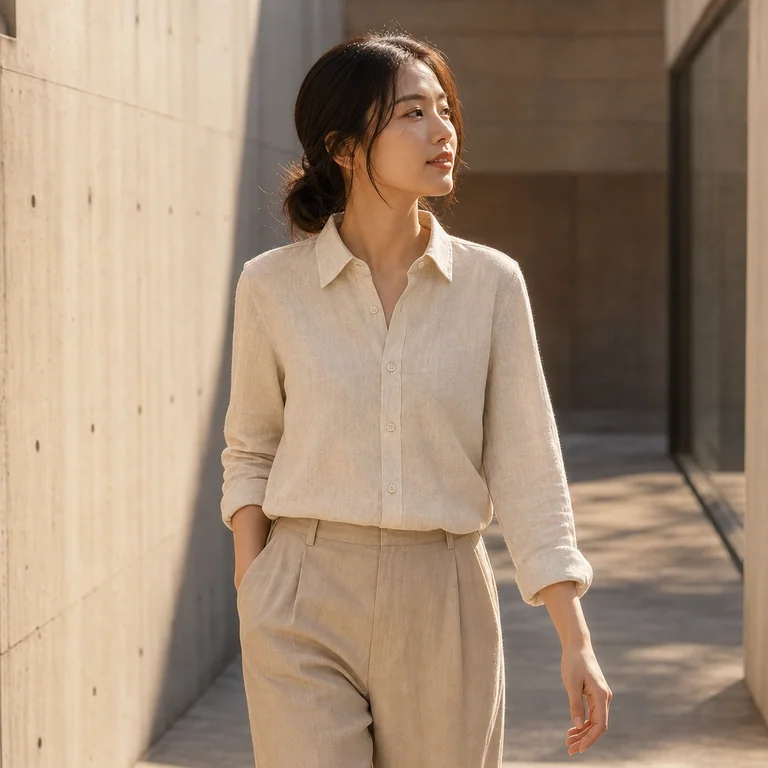 AI 生成
AI 生成📋 Prompt(複製即用)
撳「Copy」直接 paste 落 ChatGPT image generator。建議用英文 prompt(GPT Image 2 訓練數據主要係英文,跟得最準),中文版淨係俾你 reference。
Editorial product photography. Transform the input image into a polished marketing shot.

CRITICAL: Preserve the EXACT product from the input image — same colour, shape, fabric, design details.

CRITICAL: Preserve the EXACT ivory linen button-up shirt (same colour, weave, buttons, cut).

Model: a young East Asian Hong Kong woman, late 20s, soft natural makeup
Setting: walking along a sun-drenched concrete gallery space
Lighting: warm golden-hour rim light, glowing halo
Aesthetic: Minimalist Japanese MUJI / COS sensibility
Composition: vertical 4:5 portrait

Photo-realism: ultra-sharp fabric texture, subtle film grain. NO text, NO new logos.
點解呢個 prompt work
好多開 IG Shop 嘅老闆都有呢個煩惱:明明件衫質地好好,但手機影出嚟效果平平無奇,完全顯唔出高級感。呢個針對 linen 恤衫嘅 AI prompt 厲害之處,係佢識得透過「Editorial product photography」呢個指令,將一張普通嘅 iPhone 相,自動執到好似時裝雜誌大片咁。ChatGPT 唔單止係將張圖改圖,而係透過分析光影結構,保留返你件衫原本嘅紋理同剪裁。當你用呢個 linen shirt AI prompt 嗰陣,AI 會自動識得補返 golden hour 嗰種柔和嘅側光(rim light),令到件衫好似喺陽光充沛嘅藝廊影咁,成個質感即刻貴晒。
關鍵字拆解
- Editorial product photography — 呢個係靈魂。如果只係寫「beautiful photo」,AI 可能會畀啲好亂嘅背景你。呢個 term 係強迫 AI 模仿專業攝影師嘅構圖同景深,令件衫成為絕對焦點。
- Golden hour rim light — 呢個係營造高級感嘅關鍵。Golden hour 嘅光線最柔和,加上 rim light 可以勾勒出 linen 恤衫嘅邊緣線條,令到布料唔會扁平,睇落更加立體。
- Sunlit gallery — 畀個情境 AI。比起單純寫「white background」,呢個 keyword 可以令整體氛圍更加有品味,特別係配合返我哋呢個 linen shirt AI prompt 嘅亞洲模特兒主題,好有韓系或日系品牌 lookbook 嗰種 clean 嘅格調。
點樣 customise (3 個 variation)
- Variation 1:將 sunlit gallery 改做「minimalist concrete studio」。咁樣出嚟效果會由「藝廊風」變做「工業風」,更加適合走硬朗、中性路線嘅品牌。
- Variation 2:加入「close-up fabric texture detail」。如果你想強調 linen 嗰種天然透氣感,加呢句可以令 AI 放大布料細節,令客睇得出你件貨係真材實料。
- Variation 3:改做「soft moody shadows」。如果你想件衫睇落去更加神秘或者有藝術感,呢個 setting 會減少強光,令畫面更有故事性。
新手最易犯嘅錯
最常見嘅錯誤係「指令太雜」。好多人會加埋「make it look expensive」或者「high quality」呢啲廢話,反而會干擾 AI 嘅判斷。其實最緊要係講清楚你想 preserve 啲咩,例如「Preserve the EXACT product」呢句一定要有。如果唔係,AI 好容易會自己「創作」多咗衫袖出嚟,或者將件衫嘅顏色改到走晒樣,咁樣就得不償失啦。
Pro tip
如果你想用呢個 linen shirt AI prompt 做到最極致嘅效果,記得 input 嗰張原圖一定要夠光,而且一定要影到件衫完整嘅輪廓。如果原圖係陰暗或者摺痕太多,AI 雖然幫到手執相,但處理「布料細節」嗰陣會好辛苦。建議先用 iPhone 喺自然光下影一張清清楚楚嘅平鋪圖或者掛拍圖,再交畀 AI 進行後期生成,咁樣出嚟嘅成片率會高好多,基本上唔使點執就可以直接出 post 啦。
同類 prompt
 服裝 / 配飾
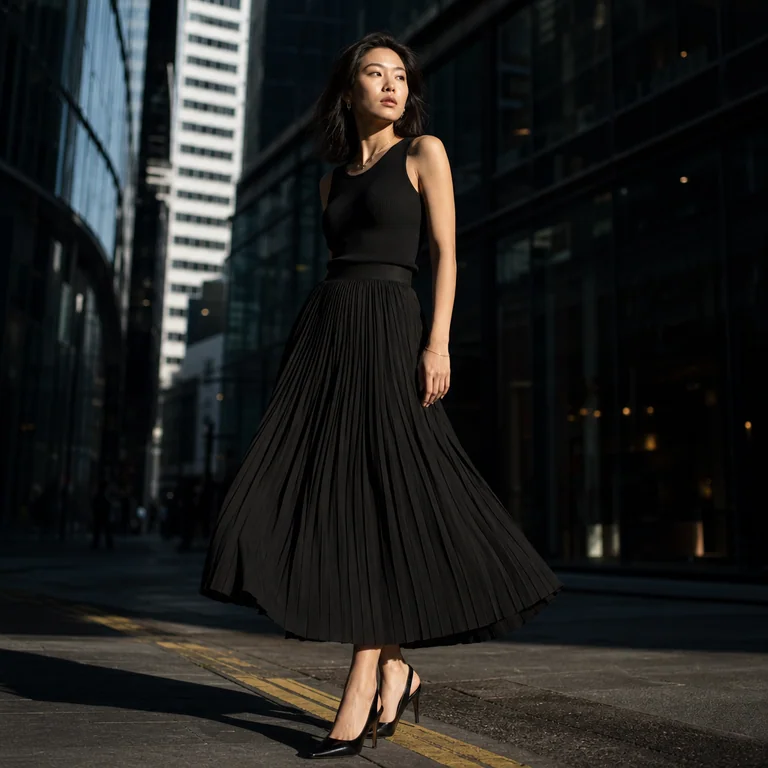
黑色百褶裙 SoHo 街拍 editorial prompt
用 ChatGPT 將 iPhone 影嘅黑色百褶裙照變身 SoHo 街拍 editorial — 完整 EN/中文 prompt + 示範。
 服裝 / 配飾
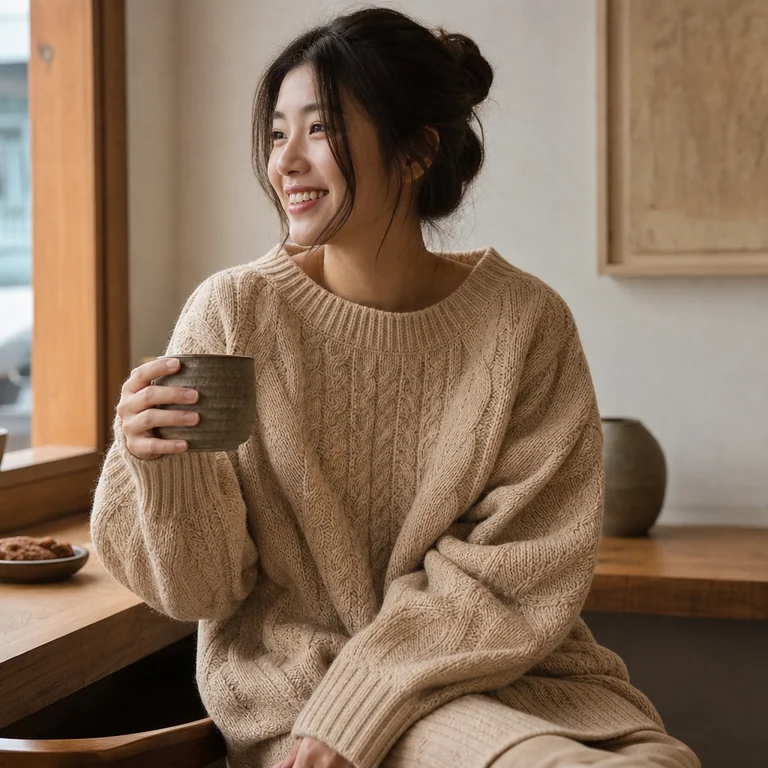
針織衫 café 自然日光 lifestyle prompt
Cable-knit sweater 由地板雜物 → 變身 cozy café autumn afternoon lifestyle shot。自然窗光 prompt 完整版。
 服裝 / 配飾
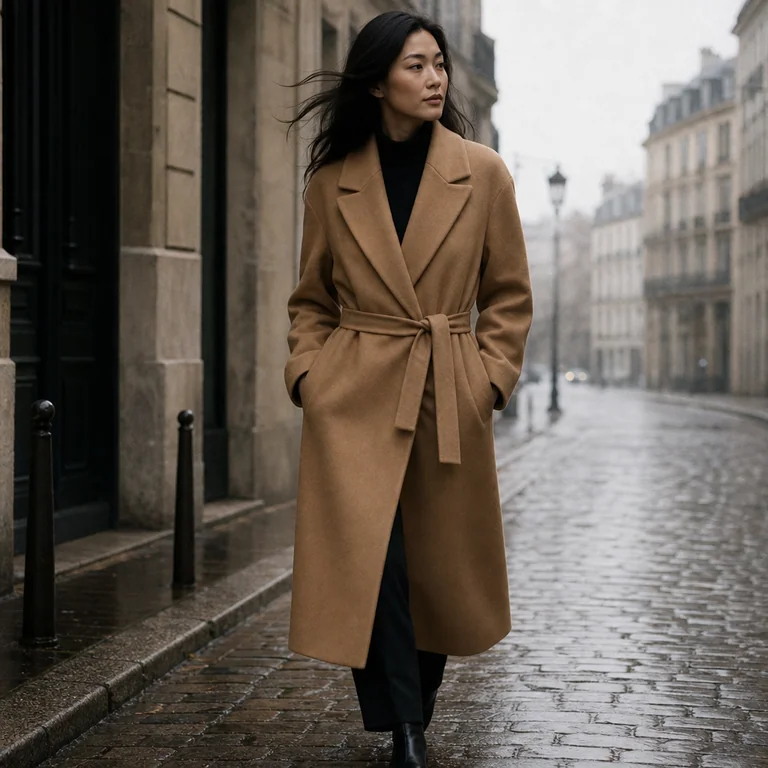
Camel trench coat 巴黎街拍 quiet luxury prompt
Camel trench coat 由衣櫃隨手 snap → 巴黎石板街 quiet luxury editorial。Phoebe Philo era Céline aesthetic prompt。